
How to Read Code You Didn't Write
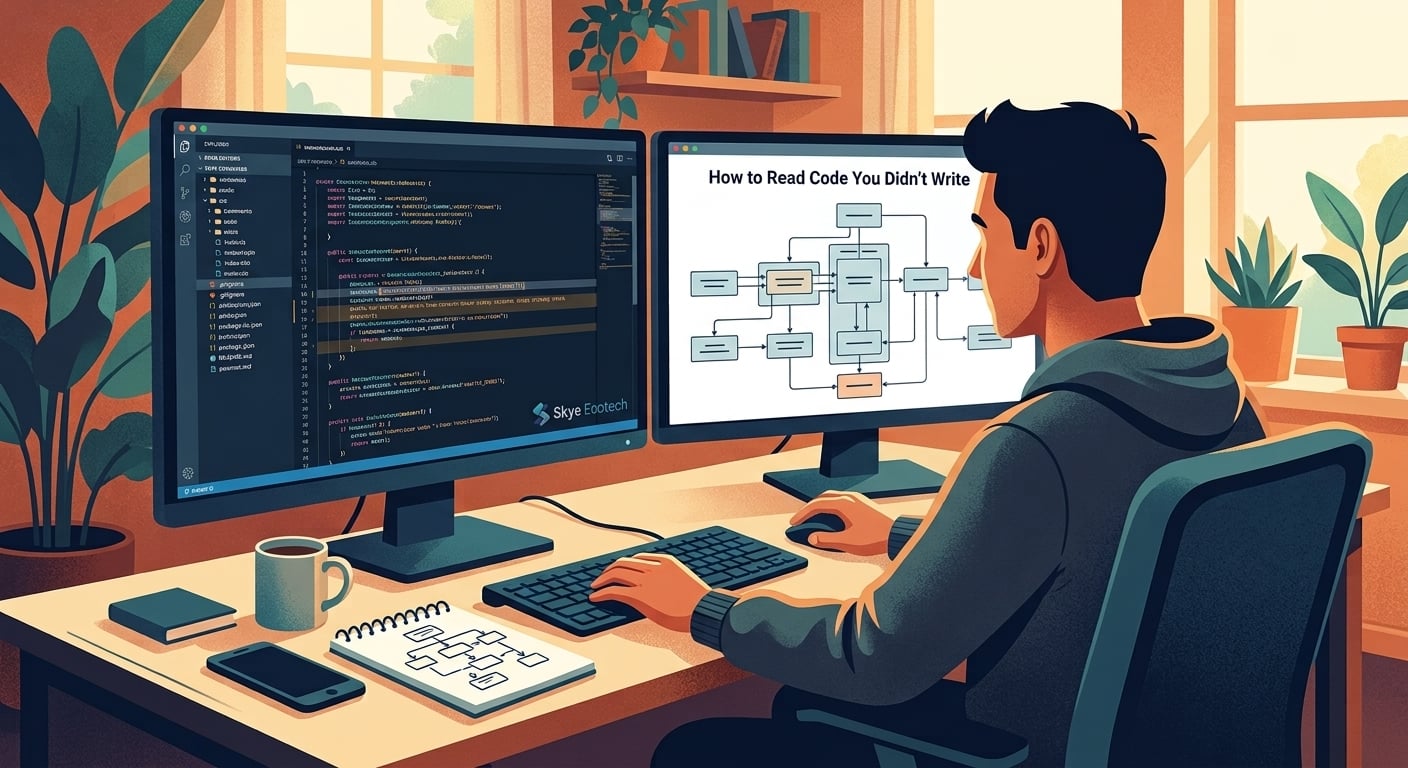
Every developer spends far more time reading code than writing it. Estimates vary, but most experienced engineers will tell you the ratio isn't close: for every hour spent typing new logic, several more are spent understanding what already exists, whether that's a legacy system, a teammate's pull request, an open source library or a file you wrote yourself eight months ago and no longer remember.
Despite how central this skill is to the job, almost nobody gets taught how to do it well. Computer science education focuses heavily on writing code from scratch: solving a defined problem with a blank file in front of you. Reading unfamiliar, often messy, often undocumented code is a completely different skill and one most developers pick up haphazardly, through years of frustration, rather than through any deliberate practice.
Why Reading Code Is Harder Than Writing It
When you write code, you hold the entire mental model in your head as you build it. You know why each decision was made because you're the one making it, in real time, with full context about the problem you're solving. Reading someone else's code strips all of that away. You're handed the output of dozens or hundreds of decisions, with none of the reasoning attached, and asked to reconstruct intent from behavior alone.
This is fundamentally a different cognitive task. It's closer to reverse engineering than to comprehension in the way we normally think about reading. A well-written paragraph in a novel can usually be understood in the order it's presented. Code rarely works that way. Understanding what a function does often requires jumping to where it's called, then jumping again to see what calls that, then circling back to check what state existed before any of it ran. The information you need to understand any single line is frequently scattered across a dozen other files.
Complexity compounds the problem. A function that seemed simple in isolation might interact with global state, trigger side effects in unrelated parts of the system or behave differently depending on configuration values set somewhere else entirely. None of this is visible from the code itself. It has to be pieced together, often through trial and error, sometimes by intentionally breaking something small just to see what depends on it.
Starting With the Shape, Not the Details
One of the most common mistakes when approaching unfamiliar code is starting too close to the details, opening the first file that seems relevant and reading it line by line, hoping understanding will accumulate naturally. It rarely does. Line-by-line reading without context tends to produce a lot of local understanding and almost no global understanding, which means you can explain what one function does but have no idea how it fits into the system as a whole.
A more effective starting point is understanding the shape of the system before diving into any specific part of it. What are the major components? How do they talk to each other? Where does data enter the system, and where does it eventually end up? This doesn't require reading every file. It requires identifying entry points, the places where the outside world interacts with the code, whether that's an API endpoint, a scheduled job, or a user interface event, and tracing the rough path that data takes from there.
Many codebases have a natural starting point that reveals this shape quickly: configuration files, routing definitions, or a main application file often act as a map, showing what pieces exist and roughly how they connect, even before you understand what any individual piece actually does. Spending time here first, before getting lost in implementation details, tends to pay off considerably later, because it gives you a mental scaffold to hang new information on as you dig deeper.
Following Data, Not Just Logic
Once you have a rough shape in mind, one of the most reliable ways to build deeper understanding is to follow a specific piece of data through the system, rather than trying to understand every function in isolation. Pick something concrete: a single user request, a single record in a database, a single event that triggers a chain of actions. Trace exactly what happens to it, step by step, from entry to exit.
This approach works well because it mirrors how the system actually behaves in practice, rather than how it's organized on disk. Code is often structured for the convenience of the people writing it, split across files and folders in ways that make sense architecturally but don't necessarily reflect the order in which things actually execute. Following a single piece of data cuts across that structure, following execution order instead of file structure, which tends to produce a much clearer picture of what the system genuinely does, as opposed to how it's organized.
This technique is especially useful for debugging. Rather than guessing where a bug might live based on which file seems most related to the symptom, tracing the actual path the relevant data takes through the system, checking assumptions at each step, systematically narrows down where behavior diverges from expectation.
Building an External Map as You Go
There's a natural limit to how much of an unfamiliar system you can hold in your head at once, especially early on, before you've built any real intuition for how the pieces fit together. Trying to keep everything mentally loaded tends to produce the frustrating experience of understanding one part clearly, moving on to the next, and then realizing you've lost the thread on what you figured out ten minutes earlier.
Keeping some kind of external map as you explore helps considerably. This doesn't need to be formal documentation. A running scratch file with a rough sketch of components and how they connect, a few notes on what surprised you, a short list of open questions still unanswered, all of this offloads the burden of memory onto something more durable than your own working memory in the moment. It also has a useful side effect: if you end up staying on the project, that scratch file often becomes the seed of genuinely useful documentation for the next person who has to do the exact same exploration you just did.
Reading With Questions, Not Just Attention
Passive reading, simply looking at code and hoping comprehension accumulates, tends to produce shallow understanding that doesn't stick. Reading with active questions in mind produces much better results. Before diving into an unfamiliar function or module, it helps to articulate specifically what you're trying to find out: What inputs does this expect? What does it return? What happens if the input is invalid or unexpected? What does it modify outside of its own local scope?
These questions turn reading from a passive activity into something closer to investigation, giving you a clear signal for when you've actually understood something versus when you've simply looked at it. It also makes the process more efficient, because you can stop reading once your specific question has been answered, rather than continuing to read indefinitely in the hope that broader understanding will eventually emerge.
Writing these questions down, even informally, as comments or in a scratch file, tends to help further. It externalizes the mental model you're building, making it easier to hold in mind and easier to revisit later if you get pulled away and need to pick the investigation back up.
Using Tools Without Losing the Thread
Modern development environments offer real help here: jump-to-definition, find-all-references, call hierarchies and debuggers that let you step through execution line by line, watching variables change in real time. These tools are genuinely valuable and learning to use them well is a meaningful part of learning to read unfamiliar code efficiently.
But there's a trap worth watching for. It's easy to use these tools reactively, jumping from reference to reference without maintaining any sense of the bigger picture, ending up several layers deep with no memory of the original question that sent you there. The tools accelerate navigation, but they don't replace the need for an overarching mental model. Periodically stepping back and asking "why am I here and what was I originally trying to understand" helps keep exploration purposeful rather than aimless.
Treating It as a Skill Worth Practicing
Perhaps the most important shift is simply recognizing that reading unfamiliar code is a distinct skill, one that improves with deliberate practice, rather than an unpleasant chore to be endured until you're lucky enough to work only on code you wrote yourself. Developers who read code well tend to onboard faster onto new projects, debug more efficiently and contribute meaningfully to code bases far larger than anything they could have built alone.
Given how much of a career in software is spent inside code written by someone else, sometimes a past version of yourself, that skill deserves the same intentional attention we give to writing code well in the first place. It's not a lesser skill practiced only when writing isn't an option. For most working developers, most of the time, it's the primary skill the job actually demands.


